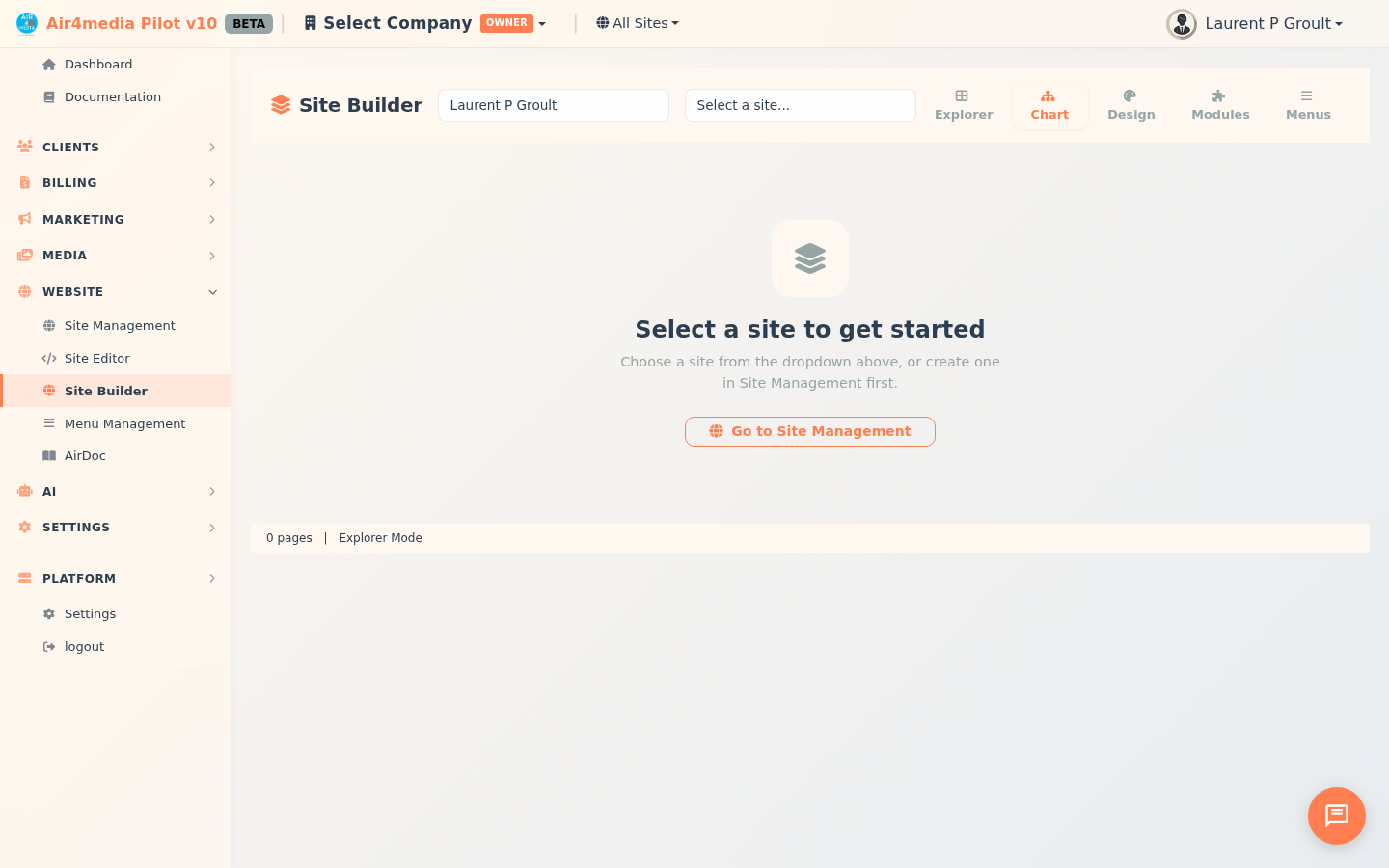
Site Builder is your visual website builder inside Pilot. Create, edit, and publish websites for ACME Creative Agency — no coding required. Your site at acme-creative.air4.media is built and managed entirely from here.
Key Features
- Simple Mode (Vibe Coding): Chat with AI in plain language — "Add a testimonials section" or "Change the hero headline" — and see your site update live in the preview panel
- Advanced Mode: Five specialized tabs — Explorer (page grid), Chart (visual sitemap), Design, Modules, and Menus — for full control over every detail
- Draft branches & Go Live: Edit freely in a draft branch without affecting your live site; click Go Live to publish everything at once
- Version history: Save a snapshot of your site structure or design at any point; restore any previous version to roll back changes
- AI site generation: Enter your business details, upload brand assets, add up to 3 reference websites for design inspiration, and choose Claude or GPT — AI generates design variations you preview before committing
- Design Editor: Set brand colors, fonts, logos, social links, and custom CSS — all pages inherit your settings automatically
- Modules: Toggle on AirBlog, AirShop, AirPortal (client portal), AirChat, AirBook, AirForms, and more — each gets its own URL path and theme
- Menus Editor: Build named menus with custom styling, add pages or external links, drag to reorder, and assign to Top Bar, Sidebar, or Footer locations
How to Use
- Open Site Builder — you land in Simple Mode with an AI chat panel and live preview side by side
- Type what you want: "Add a services section with three columns" — the AI edits the page and shows a live preview instantly (2 credits per page edit)
- To build a full site with AI, click Build with AI: enter company name, industry, brand colors, and services; optionally upload a logo or paste up to 3 reference website URLs; choose Claude or GPT; click Generate Site (12 credits)
- Browse the generated design previews — click New Design for a fresh variation or Variation for a subtle alternative; when satisfied, click Build My Site (15 credits)
- Switch to Advanced Mode to fine-tune: open Design to set colors, fonts, and logos; Modules to enable features; Menus to configure navigation
- In Explorer or Chart, right-click any page to edit, duplicate, add a child page, preview, or archive it; drag pages in Chart view to reorder the site hierarchy
- Use More Actions to scaffold a starter structure, apply a template, import from a live URL, or browse version history
- Click Go Live to push your entire draft live; use the Compare to Live button in the branch banner to review what will change first
Tips
- Use Simple Mode for quick AI edits, then switch to Advanced Mode for precise control over layout and structure
- Set your Design tokens first — one change to colors or fonts updates every page on the site
- Save your finished design as a template to reuse on future client sites
- The Compare to Live banner lets you diff your draft against the current live site before promoting — great for catching unintended changes
- After enabling or disabling modules, click Apply Rewrite Rules to activate updated URL routing instantly
- AirPortal lets ACME Creative Agency's clients log in to view invoices, projects, contracts, and documents in one place; configure hosting mode (Starter, Business, or Enterprise) in the Modules tab
- Your AI credit balance is shown before every AI action; designing a new site costs 12 credits, building it costs 15 more (27 total)